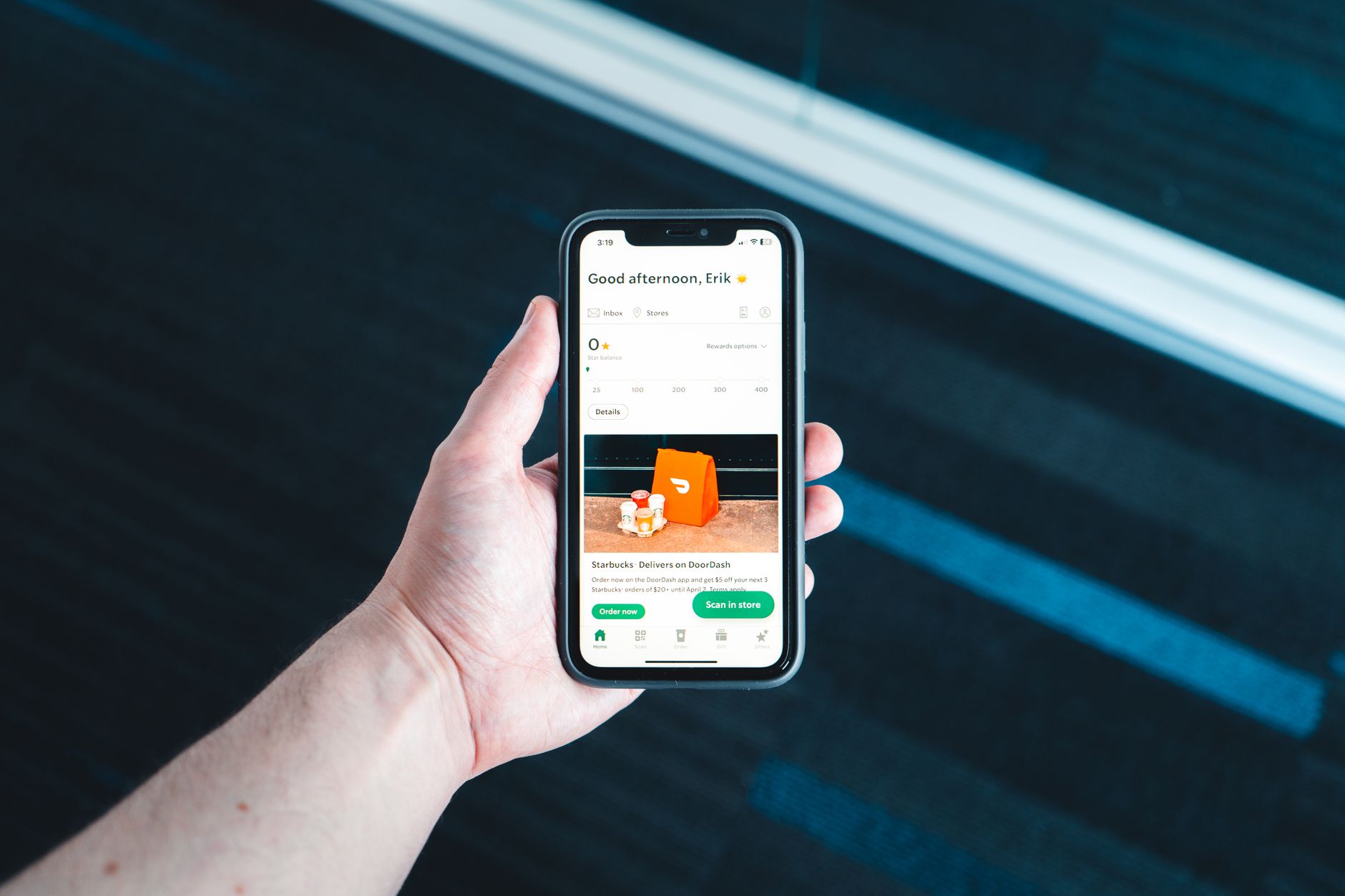
Yes. Established cashback apps like Ibotta, Fetch, Rakuten, and Checkout 51 are safe to use in the sense that they’re real businesses that actually pay, and they don’t need your bank login to work. The honest catch is that “free” cash back is partly funded by your shopping data: these companies package what millions of users buy (in aggregated, anonymized form, per their privacy policies) and sell those insights to brands. That’s a trade worth making with your eyes open. Here’s exactly what you’re sharing and how to limit it.
How do cashback apps make money?
Two main ways, and neither involves charging you:
- Brand and retailer payments. Food brands fund the rebates in receipt apps to nudge you toward their products, and online stores pay Rakuten-style sites a commission for referred sales. The app keeps a cut and passes the rest to you.
- Purchase data. Every scanned receipt becomes rows of data: store, date, items, prices. Combined across millions of shoppers and stripped of names, that data tells brands things they’ll pay well to know, like who’s switching from name brands to store brands, what sells when prices rise, and which promotions actually work. Ad-industry reporting, including coverage in the trade publication AdExchanger, has described receipt data as a core product these companies sell to brands and market-research firms.
Understanding this actually makes the apps more trustworthy, not less: the business model explains where your cash back comes from. Nobody needs to scam you when brands are footing the bill. It’s the same reason Rakuten can pay you real money without ever charging a fee.
What does a scanned receipt actually reveal about you?
More than most of us realize. A single grocery receipt typically shows the store and its location, the date and time you shopped, every item and its price, your coupons, and often the last few digits of the card you paid with. String months of receipts together and a clear picture forms: your family size, your pets, your diet, your brand loyalties, roughly when payday hits, even hints about health, like prenatal vitamins or gluten-free everything. To be fair, your supermarket loyalty card has been collecting the same picture for years. The difference with receipt apps is that the picture spans every store you shop, not just one chain. That isn’t cause for panic, but it is worth knowing what the app’s privacy policy says it does with that picture.
What do the big apps say they do with your data?
We dug into the published privacy policies of the major apps, and the pattern is consistent: they say they share purchase data with brands, retailers, and research partners primarily in aggregated or de-identified form, meaning trends across millions of shoppers rather than “here’s what Sarah bought Tuesday.” Your name, email, and payment details aren’t the product. Your cart contents, blended into the crowd, are. Two honest caveats. First, “de-identified” is an industry practice rather than magic. Researchers have shown detailed purchase histories can sometimes be re-linked to people, so treat anonymization as a strong curtain rather than a vault. Second, policies change, and some apps also use your individual history to personalize offers inside the app. None of that is sinister; it’s the deal. The apps that spell it out plainly are generally the ones behaving well.
What should you check in your privacy settings?
Ten minutes of setup meaningfully shrinks your data footprint without shrinking your cash back:
- Open the app’s privacy or account settings and look for “Do not sell or share my personal information.” Privacy laws in California and a growing list of states require this option, and anyone can usually flip it.
- Turn off ad personalization or “tailored ads” if offered.
- Set location access to “while using the app” or off entirely. Receipt apps don’t need to know where you are all day.
- Skip optional linking of email or bank accounts. E-receipt scanning means granting inbox access; only do it if the convenience is worth it to you.
- Use a unique password (a password manager helps), and consider a dedicated email address for deal apps to keep marketing out of your main inbox.
- Cash out regularly. A $0 balance is the safest balance if an account is ever compromised.
How can you spot a scam cashback app?
The established apps have long track records and millions of documented payouts. Copycats do exist, and they follow predictable patterns:
| What to look at | Established app | Scam warning sign |
|---|---|---|
| Cost to join | Always free | Signup, “activation,” or withdrawal fees |
| Promised earnings | Modest and specific (cents to a few dollars per offer) | Vague promises of hundreds per week for scanning receipts |
| Information requested | Email, receipts, optional PayPal for payout | Bank login, Social Security number, or up-front card details |
| Payout proof | Years of reviews describing real payouts | Rising minimums or accounts closed right before payout |
| Where you found it | Official app stores, established name | Sideloaded links, ads mimicking a big brand’s look |
Simple rule of thumb: real cashback apps pay you small amounts and never ask you to pay anything. Any app that flips either half of that sentence is telling you what it is.
So is the trade worth it?
For most families, yes, with settings adjusted and expectations set. You’re trading anonymized shopping patterns (much of which loyalty cards and credit card networks already collect) for real money back on food you were buying anyway. If any single app makes you uneasy, use the ones with the clearest policies and skip the rest. Our grocery cashback comparison covers the established options, and our Ibotta vs. Fetch breakdown looks at the two biggest receipt apps head to head. Opting out entirely is also a perfectly valid choice. This is about informed trades, not pressure.
Sources
How these apps make money, and what they collect, is described in their own terms and privacy policies, which change over time. The payout mechanics referenced here were confirmed against each company’s own help documentation on the date shown. Some links on this page are affiliate links. That never affects which apps we include, how we rank them, or what we say the catches are.
- Ibotta Help: What are the different ways to withdraw my earnings? — Ibotta’s $20 threshold, the requirement to redeem at least one offer, and the 7-day wait after your first redemption. Checked August 27, 2026.
- Fetch Help: How to Redeem a Reward with Fetch — Fetch’s redemption steps and the 72-hour processing time. Checked August 27, 2026.
Key takeaways
- Established cashback apps are legitimate: brands fund the rebates, and the apps have paid users for years.
- The real price is data. Your receipts, aggregated and anonymized per the apps’ privacy policies, are sold as market research.
- Receipts reveal a lot over time: family size, diet, brands, shopping rhythms. Worth knowing before you scan.
- Ten minutes in settings (do-not-sell opt-out, location limits, unique password) meaningfully shrinks your footprint.
- Scam tells are consistent: fees to join, giant income promises, or requests for bank logins. Real apps do none of that.
FAQ
Do cashback apps sell my personal information?
The major apps’ privacy policies say they share purchase data with brands and research firms mainly in aggregated, anonymized form: shopping trends, not your name attached to your cart. Many also offer a “do not sell or share” opt-out in settings, which is worth switching on.
Is it safe to link my bank account or PayPal to a cashback app?
Linking PayPal to receive payouts is low-risk, since the app can only send you money. Linking bank logins or your email inbox grants deeper access and is optional in the big apps, so skip it unless the convenience clearly matters to you.
Can a receipt app see my credit card number?
No. Printed receipts show only the last few digits of your card, which can’t be used to charge you. The apps see what you bought, not how to spend your money.
What’s the single biggest red flag in a cashback app?
Being asked to pay, whether that’s a signup fee, an “activation” charge, or a fee to withdraw your own earnings. Legitimate cashback apps are always free because brands, not users, are their paying customers.
Comfortable with the trade and ready to put it to work? Our free Cashback Starter Kit walks through the apps we’d actually install and how to layer them, and the Deal Diary email flags the offers worth claiming.
| Best for | Anyone deciding whether the data trade is acceptable before installing a receipt app |
| Expected benefit | Not money. Knowing exactly what you are handing over and what you get for it |
| Time required | A few minutes to read the privacy settings you actually control |
| Upfront cost | $0 |
| Main catch | The apps are free because your purchase data is the product. That is a real trade, not a scam, but you should make it knowingly |
| Last checked | August 27, 2026 |
Priya’s take: They’re safe in the ways that matter. The real cost is that they use your shopping data, and for actual cash back I’m personally fine making that trade.